1
Copy the RSS feed URL
Pick the show you want and copy its RSS link.
| Show | Feed URL | Youtube source |
|---|---|---|
| Bushwacker | link | |
| Redroom | link | |
| Elevated | link |
Follow the steps below to grab the RSS feed and add it in your podcast app.
Pick the show you want and copy its RSS link.
| Show | Feed URL | Youtube source |
|---|---|---|
| Bushwacker | link | |
| Redroom | link | |
| Elevated | link |
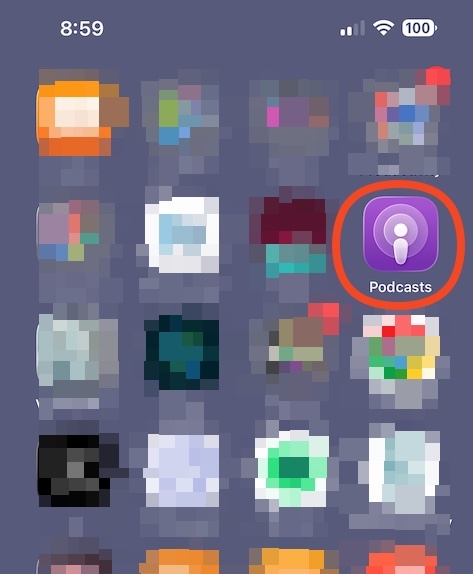
Open the Apple Podcasts app on your device.
Use the “…” icon in the top-right corner.

This opens the feed input panel.

Paste the RSS link and tap “Follow”.
